Using the Zoneminder (zmNinja) app
The zmNinja-pro app is available for Android and Apple and lets you view and control cameras from your phone.
Search for ZMNinja in the app stores, or use the links below:

When you open the app the first time, use the wizard to configure the app.
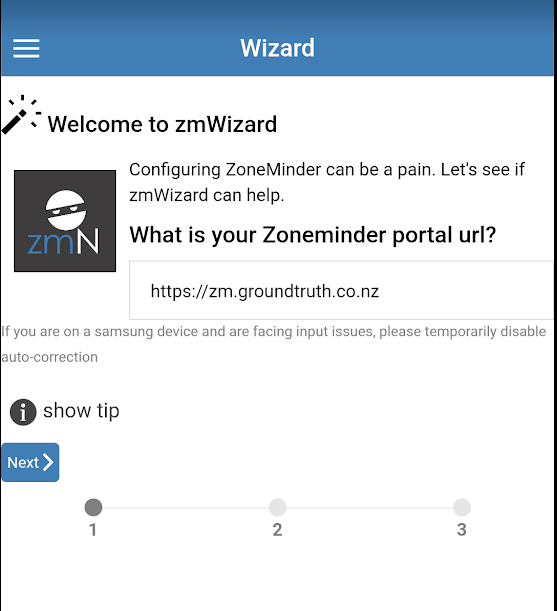
1. Set the Zonemider portal URL to: https://zm.mataki.groundtruth.nz and click next
2. Set the two switches "I use authentication" and "I use ZM authentication" on, and then enter your email and password. Click next.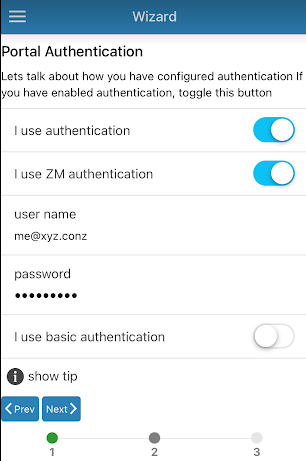
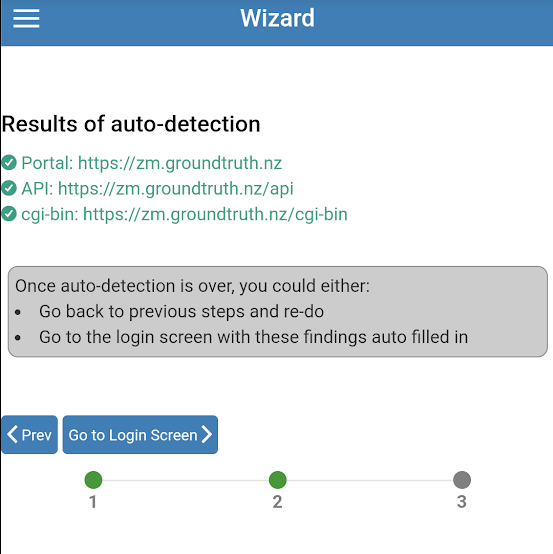
3. If the URL and email/password are correct you should get green indicators. Click on "Go to Login Screen"
4. Click Save Save 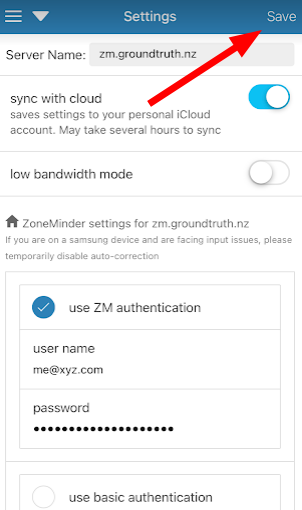
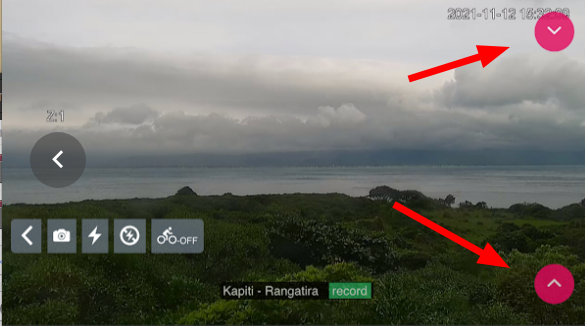
To view and control camera, go to the main menu and select Monitors. Click "Live view" to see the video feed. Use the top-right button and select "Control" to view the PTZ controls. Select the bottom-right buttom and select "exit live view" to close the feed.